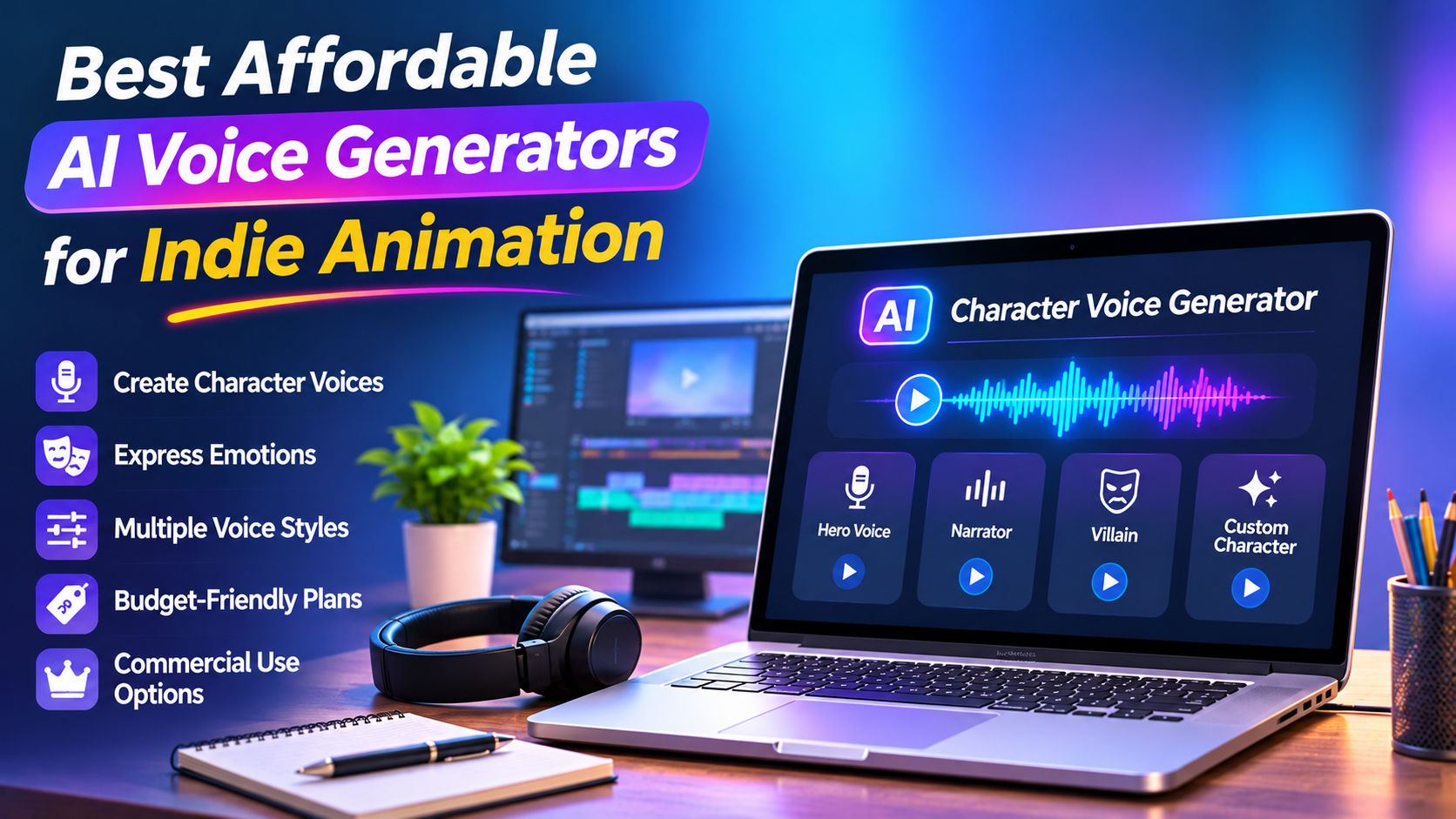
Best Affordable AI Voice Generators for Indie Animation
Share this article
Affordable Tools for Creating Memorable Characters
Creating character voices is one of the most important parts of independent animation. A memorable voice can give a character personality, make dialogue more engaging, and help viewers connect with a story. However, hiring professional voice actors for every character can be expensive, particularly for independent animators, student filmmakers, small studios, and creators working with limited production budgets.
AI character voice generators offer an alternative. These tools can turn written scripts into spoken dialogue, provide different voice styles, and help creators experiment with character personalities without organising a full recording session for every line.
But choosing the right tool requires more than finding the cheapest text-to-speech service. Indie animators need to consider voice quality, emotional expression, character consistency, commercial licensing, editing flexibility, and the cost of producing an entire episode.
Here are some AI voice generation tools worth considering when creating animated characters on a limited budget.
What Makes a Good AI Character Voice Generator?
A standard text-to-speech tool reads written content aloud. A character voice generator needs to do considerably more.
An animated character may need to sound excited in one scene, nervous in another, and angry during a confrontation. The voice should also remain recognisable throughout the story.
Before choosing a platform, consider these important features:
Voice variety: Different age ranges, accents, personalities, and vocal styles.
Emotional expression: The ability to produce excitement, sadness, anger, curiosity, and other emotions.
Character consistency: The same character should retain a recognisable voice across multiple scenes.
Voice customisation: Options for adjusting pitch, speed, tone, and delivery.
Commercial licensing: Permission to use generated audio in monetised films, videos, games, and client projects.
Export options: Downloadable audio formats that work with common animation and video-editing software.
For indie creators, affordability matters, but a cheap voice that sounds unnatural or changes personality between scenes can create more editing work.
Best AI Character Voice Generators for Indie Animation
1. ElevenLabs – Best Overall for Expressive Character Voices
ElevenLabs is a strong option for independent animators who want natural-sounding voices and greater control over character performances.
Its platform offers text-to-speech, voice design, voice cloning, and multiple speech models. Creators can describe a voice using characteristics such as age, accent, gender, and tone to generate different voice concepts.
This is particularly useful when developing original characters. For example, an animator could describe a cheerful young adventurer, a serious older mentor, or a mysterious villain and explore different voice options.
ElevenLabs also supports expressive speech generation and multi-speaker dialogue workflows.
Useful features:
AI voice design from text descriptions.
A large voice library.
Voice cloning with appropriate authorisation.
Expressive speech generation.
Multi-speaker dialogue support.
Pricing: The free plan includes 10,000 monthly credits. The Starter plan is listed at $6 per month and includes 30,000 credits and a commercial licence. The Creator plan is listed at $22 per month and adds professional voice cloning.
Best for: Animators creating short films, animated series, character dialogue, and storytelling videos.
2. Adobe Firefly – Best for Creators Already Using Adobe Tools
Adobe Firefly provides AI speech generation within Adobe's creative ecosystem. It is worth considering for animators who already use Adobe applications for illustration, video editing, or post-production.
Its speech tools allow creators to convert scripts into audio and work with voice options, pacing, and pronunciation controls. The platform also offers downloadable WAV output, which can be imported into an animation or video-editing workflow.
Adobe states that audio generated with its own Firefly Speech Model is commercially safe. However, this statement should not automatically be applied to third-party partner models available through the platform.
Useful features:
Text-to-speech generation.
Voice and speech customisation.
WAV audio downloads.
Integration with Adobe's creative workflow.
Support for multiple languages.
Pricing: Adobe offers limited free access, but the available free generations and premium-feature allowances vary by region and feature. Check the current plan before planning a full production around free access.
Best for: Animators who already work with Adobe tools and want speech generation within a familiar creative environment.
3. Fish Audio – Best for Multi-Character Storytelling on a Budget
Fish Audio is another option for creators who need realistic speech and voice customisation without immediately committing to a high-cost production setup.
The platform offers text-to-speech, voice design, and voice cloning features. Its plans include different credit allowances and voice slots, making it relevant for creators experimenting with several characters.
For animation projects, the ability to create or select distinct voices can help establish a cast with different personalities.
Useful features:
Natural-sounding text-to-speech.
Voice design options.
Voice cloning capabilities.
Multiple voice slots.
Different generation limits across plans.
Pricing: Fish Audio lists a free tier with 8,000 monthly credits and a Plus plan at $15 per month, or $11 per month when billed annually. The Plus plan includes commercial use under its stated terms.
Best for: Independent creators developing dialogue-heavy animated stories with several characters.
Website: https://fish.audio/
4. Cartesia – Best for Developers and Custom Animation Workflows
Cartesia is particularly interesting for creators who want to integrate voice generation into their own software or production pipeline.
Its text-to-speech technology can generate audio through an API, making it suitable for custom animation tools, interactive storytelling applications, and automated content workflows.
Cartesia also offers instant voice cloning on its Pro plan. Its credit-based pricing can make it attractive for smaller projects that do not require a large production subscription.
Useful features:
AI text-to-speech.
Instant voice cloning on paid plans.
API-based integration.
Usage-based credit system.
Support for custom production workflows.
Pricing: Cartesia lists a free plan with 20,000 monthly credits. Its Pro plan starts at $5 per month and includes a commercial-use licence and instant voice cloning.
Best for: Technical creators, animation developers, and studios building automated voice-generation workflows.
Quick Comparison: Which Tool Should You Choose?
ToolBest suited forEntry-level pricingElevenLabsExpressive character dialogueFree; paid from $6/monthAdobe FireflyAdobe-based creative workflowsLimited free accessFish AudioMulti-character storytellingFree; paid from $11/month billed annuallyCartesiaAPI and custom workflowsFree; paid from $5/month
Prices are in USD and reflect published plan information checked in November 2026. Promotions, taxes, credit allowances, and plan terms can change. Always verify commercial rights and usage limits before publishing.
How to Create Consistent Voices for Animated Characters
Choosing a voice generator is only the first step. A successful animation project needs a repeatable process that keeps each character recognisable.
Step 1: Create a Character Voice Profile
Before generating dialogue, define each character's voice.
For example:
Main hero: Young adult, energetic, confident, medium pitch.
Villain: Deep voice, slower delivery, controlled and intimidating.
Comic character: Playful, expressive, fast-paced speech.
Older mentor: Mature voice, calm delivery, measured pacing.
These descriptions become reference points when generating dialogue.
Step 2: Generate Short Voice Samples
Do not generate an entire episode immediately. Start with a few short lines for each character.
Test different emotions, speaking speeds, and sentence structures. Listen for pronunciation problems, unnatural pauses, and changes in vocal identity.
Select the best voice before generating the complete script.
Step 3: Maintain a Voice Reference Sheet
Record the selected voice, settings, accent, pitch, speaking speed, and emotional style for every character.
This is important because generating a new voice for every scene can make the same character sound different throughout an episode.
Keep a copy of the original voice samples and settings wherever possible.
Step 4: Generate Dialogue Scene by Scene
Break the animation script into smaller sections. Generate dialogue according to scene requirements rather than producing one long audio file.
This makes it easier to replace individual lines, adjust timing, and synchronise dialogue with character movements.
Step 5: Edit and Synchronise the Audio
AI-generated dialogue may still require editing. Use an audio or video editor to remove unwanted pauses, adjust volume, add sound effects, and synchronise dialogue with animation.
A good editing process can make synthetic dialogue feel more natural and connected to the action on screen.
Important: Understand Commercial Rights Before Publishing
One of the most overlooked issues with AI-generated character voices is licensing.
A platform may allow free voice generation for experimentation but restrict commercial use. This distinction matters if an animation is published on a monetised YouTube channel, sold to a client, distributed commercially, or included in a paid game.
Before publishing, check:
Whether the subscription includes commercial usage rights.
Whether free-plan audio can be used commercially.
Whether voice cloning requires the speaker's permission.
Whether generated voices can be used in advertisements, games, and films.
Whether attribution is required.
Whether the licence continues to cover previously generated audio after a subscription ends.
Never clone a real person's voice or imitate a recognisable actor without the necessary authorisation. Creating an original fictional voice is generally a safer creative approach.
Can AI Replace Human Voice Actors in Indie Animation?
AI voice generators can reduce production costs and make early-stage animation easier to develop. They are useful for temporary dialogue, storyboards, prototypes, short animations, and projects where hiring a full cast is not financially practical.
However, AI-generated voices are not a complete replacement for professional voice acting.
Human performers can interpret subtle emotions, understand character motivations, respond to direction, and deliver nuanced performances. AI voices may struggle with complex emotional scenes, overlapping dialogue, sarcasm, and highly specific acting requirements.
A practical approach is to use AI for routine dialogue and production testing while considering human voice actors for important scenes where emotional performance makes a significant difference.
Final Verdict: Which AI Voice Generator Offers the Best Value?
The best tool depends on the size and requirements of your animation project.
ElevenLabs is a strong overall choice for expressive character voices and voice design.
Adobe Firefly is worth considering if you already work within Adobe's creative ecosystem.
Fish Audio offers an appealing balance of voice features and budget-friendly paid access.
Cartesia is a practical option for developers who want to integrate voice generation into a custom workflow.
For a creator starting with a very limited budget, the sensible approach is to test free allowances first, develop a small cast of original voices, and upgrade only when the project requires more generation capacity or commercial permissions.
Ultimately, the goal is not simply to generate speech cheaply. It is to create characters whose voices audiences can recognise, remember, and connect with. AI can make that process more accessible to independent animators, provided the technology is used thoughtfully and the final performances receive proper creative attention.
Tags