
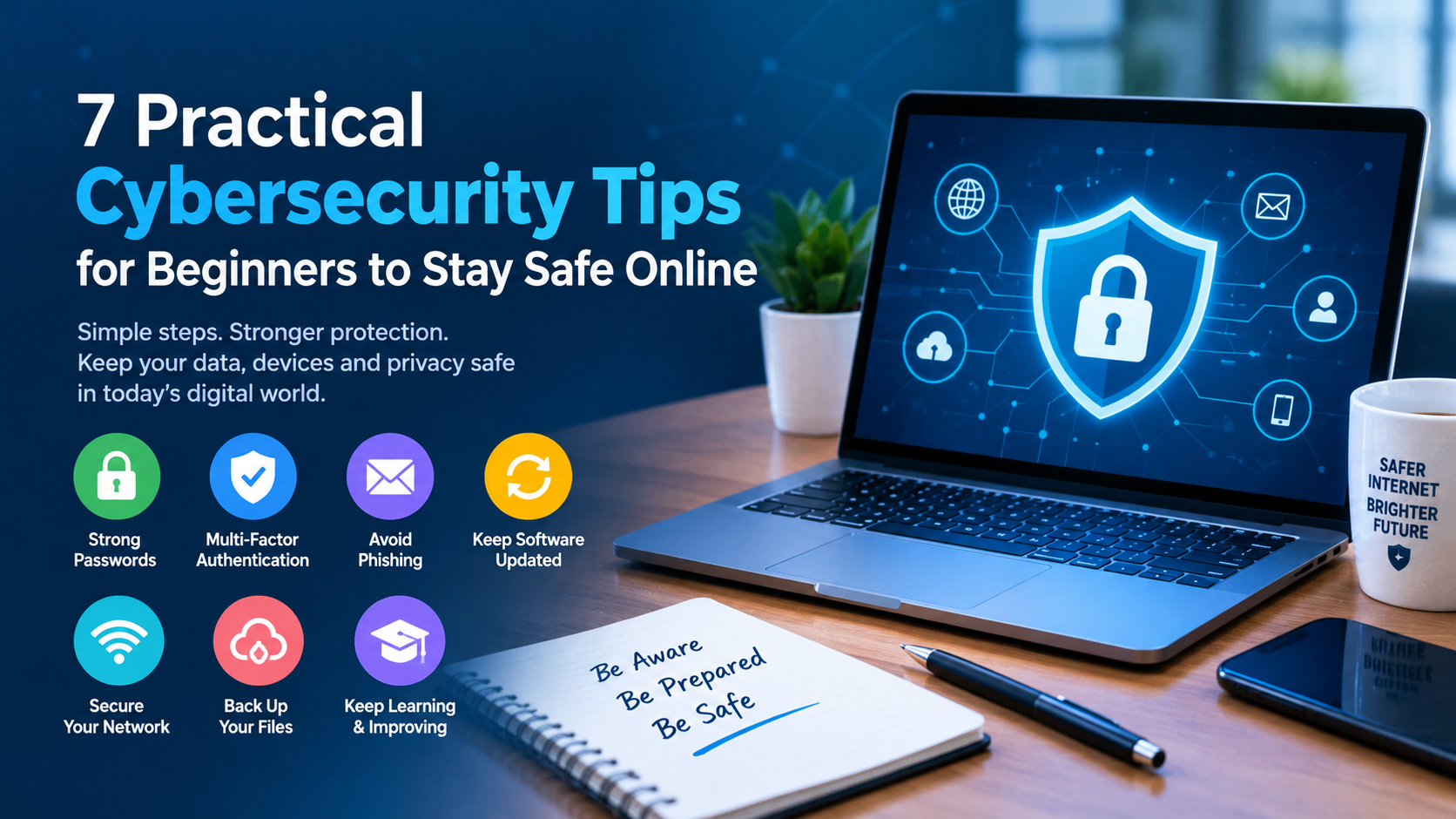
7 Practical Cybersecurity Tips for Beginners to Stay Safe Online
Share this article
The internet makes it easier to learn, communicate, work, and manage everyday tasks. However, being connected also brings risks such as phishing, malware, identity theft, and unauthorized access to personal accounts. Understanding basic cybersecurity practices can help beginners protect their information and build safer digital habits.
1. Create Strong and Unique Passwords
Use long, unique passwords for each online account. A reputable password manager can help generate and securely store passwords.
2. Enable Multi-Factor Authentication
Multi-factor authentication (MFA) adds another verification step when signing in. Enable MFA on important accounts, especially email, banking, and work-related services.
3. Learn to Recognize Phishing
Phishing attempts often imitate trusted companies or service providers. Check the sender's address and inspect website domains before signing in. If a message appears suspicious, visit the organization's official website directly.
4. Keep Devices and Software Updated
Install operating system, browser, and application updates promptly. Download software only from trusted sources and remove applications you no longer use.
5. Secure Your Home Network
Change the default administrator password on your router and use a strong Wi-Fi password. Keep router firmware updated and be cautious when using public Wi-Fi for sensitive activities.
6. Back Up Important Files
Back up important documents and photographs regularly. A separate backup can help you recover from accidental deletion, device failure, or some ransomware incidents.
7. Keep Learning and Practice Responsibly
Cybersecurity includes networking, operating systems, access control, threat detection, and incident response. Beginners can build these skills through structured learning and authorized practice labs.
Explore cybersecurity learning opportunities at WebAsha Technologies and learn more about its Cyber Security Training Course.
Only test systems when you have explicit permission. Learning in legal practice labs helps develop practical skills safely.
Conclusion
Safer digital habits begin with unique passwords, multi-factor authentication, careful link checking, software updates, network security, and regular backups. Continue learning as technology and threats evolve. Consistent attention to these fundamentals can help beginners become more confident and responsible technology users.
Tags